A camera or drone exports clips named "DJI_0001.MP4," "DJI_0002.MP4," and so on. A screen recorder names files after the exact second you started recording. An editing app exports renders with a generic "Sequence_01.mov" that tells you nothing about the project. When you are managing footage across multiple shoots, projects, or clients, these default names turn a simple folder browse into a guessing game where you have to open several clips just to find the one you need.
Video-specific renaming challenges
Video files bring a few wrinkles that make batch renaming slightly different from renaming photos or documents:
- Mixed extensions in the same shoot (MP4, MOV, MTS) that all need consistent naming without breaking the extension
- Multiple camera angles or takes that need to stay grouped and ordered correctly
- Long original names from editing software exports that need trimming without losing meaningful parts
- Finder's rename tool offering no way to handle these variations in one pass
A pipeline for renaming footage
Renym handles video batches the same way it handles any file type — through a visual pipeline — while preserving whatever extension each file already has.
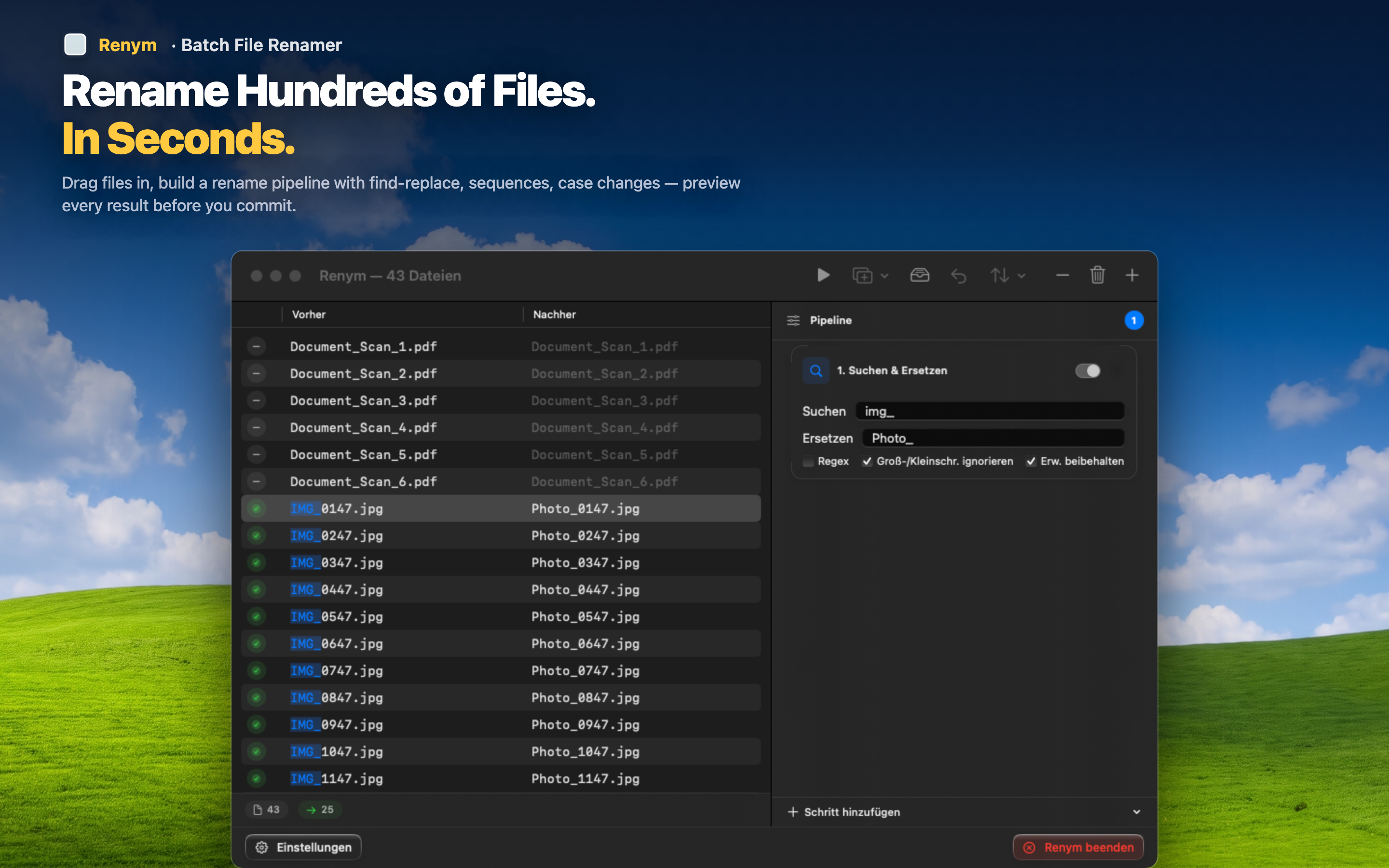
Strip camera or software prefixes
Remove "DJI_," "GH0," or whatever generic prefix your camera or recorder adds, across every clip regardless of its extension.
Add project and take structure
Insert a project name and sequential take numbers so "Scene_02_Take_03.mov" replaces a meaningless clip number, keeping footage organized by scene and take when you get to the editing timeline.
Mix extensions without breaking anything
Load MP4, MOV, and MTS files from the same shoot into one batch. The rename actions apply to the name portion only, so each file keeps its correct, original extension after the rename.
Consistent clip names save real time once you are scrubbing through a timeline trying to find "that one shot" three weeks after the shoot.