You need a set of files numbered 001, 002, 003 and onward — for a slideshow, a set of product images, a series of exported pages, or any batch where order matters and duplicate names are not an option. A counter solves both problems at once: it guarantees uniqueness and it guarantees a predictable sort order, as long as it is padded consistently.
What Finder's counter gets almost right
Finder's Format rename mode does include a counter — you pick a starting number and it increments by one across the selected files. For a lot of cases, this is genuinely fine. But it comes with fixed constraints:
- The counter replaces the entire original file name; you cannot keep any part of it alongside the number
- You cannot control the increment step — it is always +1
- You cannot insert the counter in the middle of a name, only at a fixed position determined by the mode
- There is no way to combine counting with a separate cleanup step, like fixing case or removing junk characters first
Counters as a flexible pipeline step
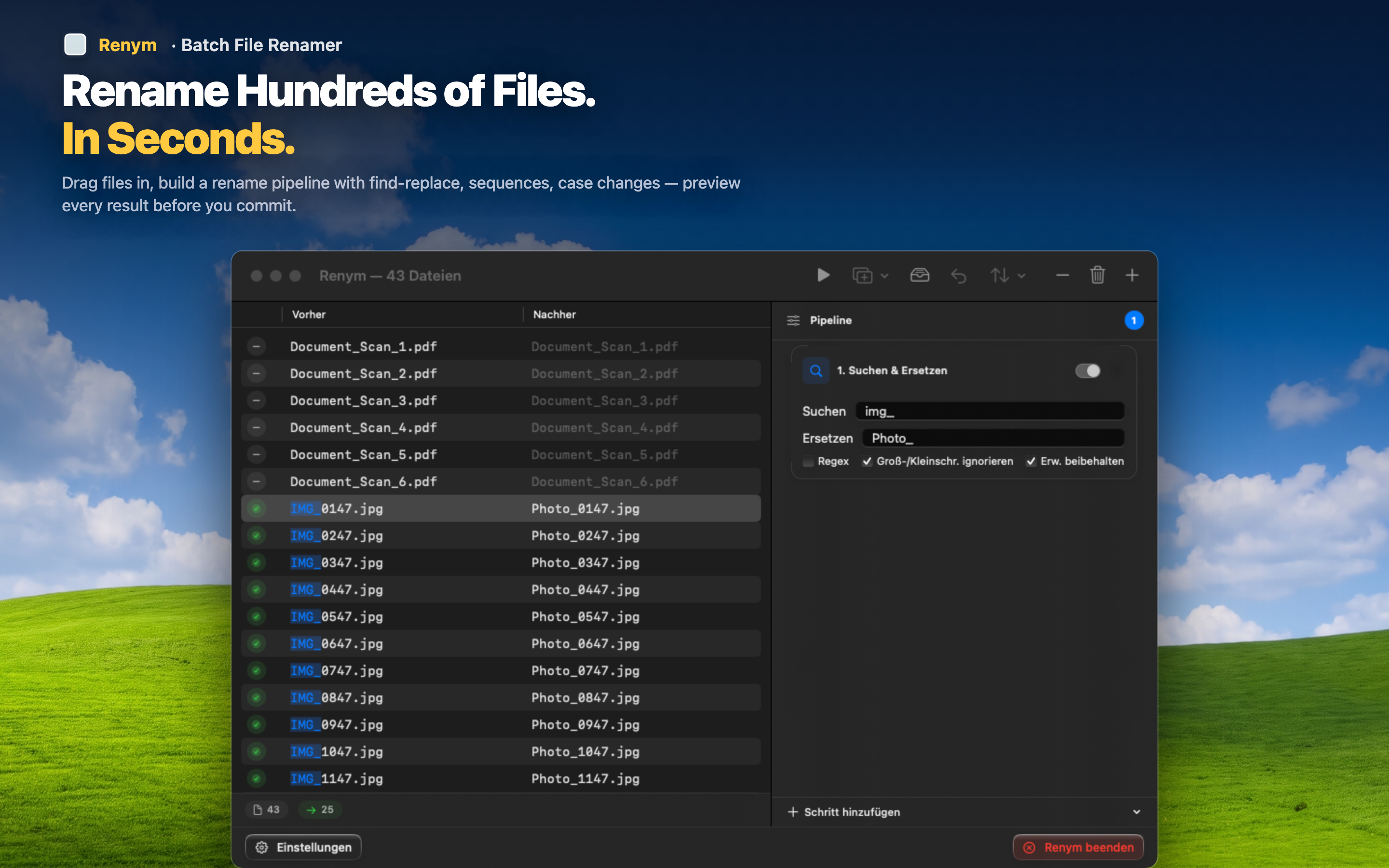
Renym includes sequential numbering as one action among several, so you can combine it with anything else the batch needs.
Choose your padding
Decide upfront whether you need 01, 001, or 0001 based on how many files are in the batch, and every number gets padded consistently so the sort order never breaks as the set grows.
Keep the original name if you want it
Add the counter as a prefix or suffix while leaving the descriptive part of the file name intact — "product_001.jpg" instead of losing "product" entirely to a generic counter format.
Clean up first, then number
Run a find-and-replace or case-change step before the numbering step, so the files are already clean by the time the counter gets applied. The preview shows the final result of the whole chain.