You are about to upload a batch of images or documents to a website, a CMS, or a static site generator. The files are named things like "Product Photo (Final) 2.jpg" and "Blog Header — Draft.png." Upload them as-is and you get ugly URLs with encoded spaces and special characters, or worse, a CMS that rejects the upload outright because of unsupported characters.
What you actually want is a "slug" — lowercase, hyphen-separated, no special characters: "product-photo-final-2.jpg." Doing this conversion by hand for a handful of files is manageable. For a batch of fifty images going into a new site, it is not.
Why Finder cannot slugify file names
Slugifying involves several transformations at once: lowercase conversion, removing punctuation like parentheses and em dashes, and converting spaces to hyphens. Finder's rename tool can do exactly one of these — literal text replacement — and cannot lowercase text or strip a variety of special characters in a single pass. You would need several manual rename rounds, and Finder still cannot touch letter case at all.
Slugifying a batch with a pipeline
Renym handles slugification by chaining the exact steps needed: case conversion, character removal, and space-to-hyphen replacement, all in one pipeline applied to the whole batch.
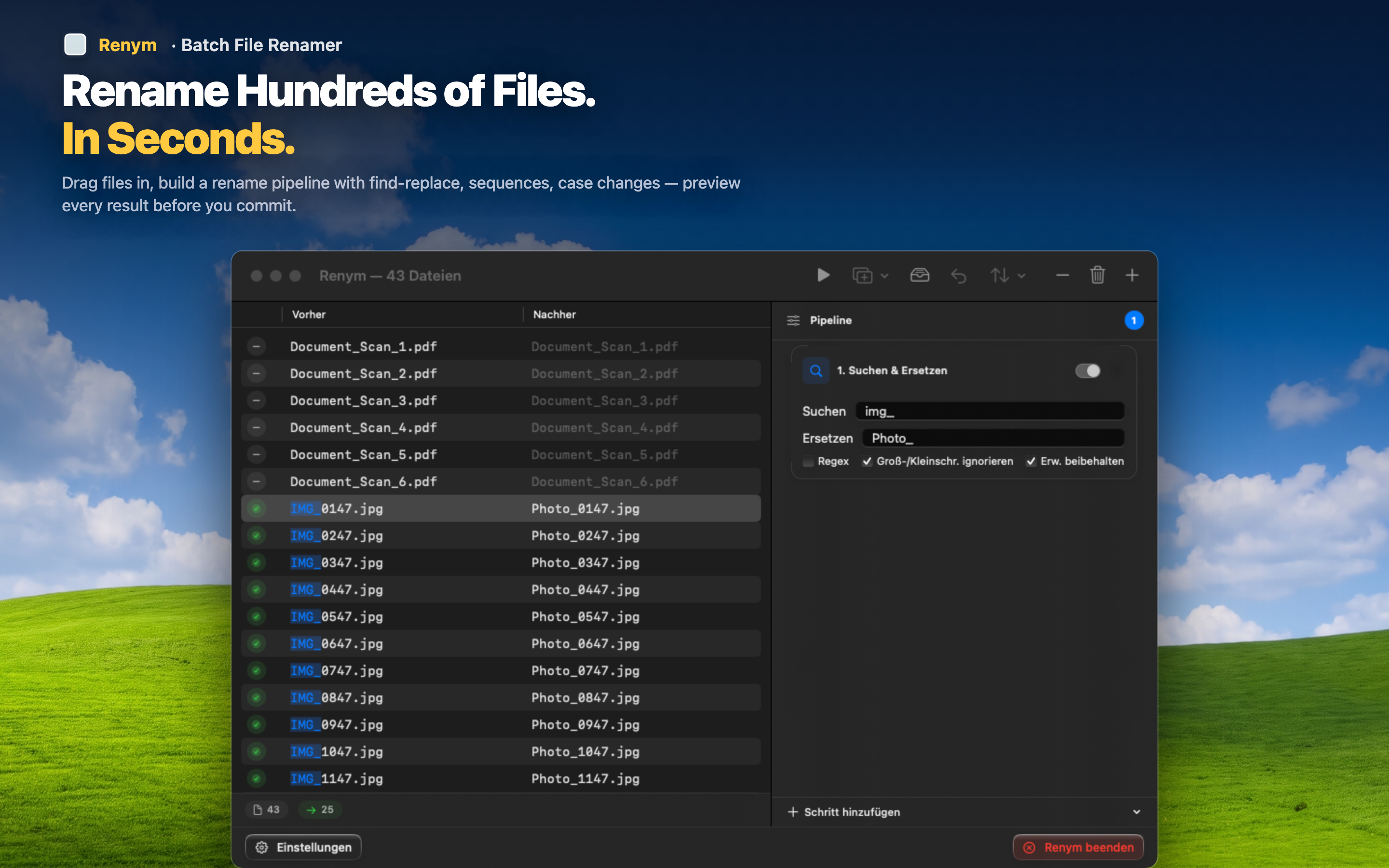
Step 1: Remove special characters
Use regex to strip parentheses, em dashes, and other punctuation that should not appear in a URL. A pattern matching anything outside letters, numbers, spaces, and hyphens clears it in one step.
Step 2: Convert spaces to hyphens
Find and replace every space with a hyphen, matching standard web slug conventions.
Step 3: Lowercase everything
Apply a lowercase case change as the final step so "Product-Photo-Final-2.jpg" becomes "product-photo-final-2.jpg" — clean, predictable, and safe for any URL structure.
Set this pipeline up once and reuse it for every batch of assets you upload going forward.