You inherited a folder where half the files are "Report.PDF," a quarter are "report.pdf," and the rest are "REPORT.pdf." On a Mac, the file system usually treats these as the same file if they are in the same folder — but the moment you upload them to a case-sensitive server, sync them to a Linux machine, or reference them in code, the inconsistency causes real problems. Broken links, duplicate uploads, and file paths that only work on your machine are common symptoms.
The fix is simple in concept: make every file name lowercase. The problem is doing that across dozens or hundreds of files without renaming each one individually.
Finder has no case-conversion option
This is one of the more surprising gaps in Finder's batch rename tool. You get Replace Text, Add Text, and Format — none of which touch letter case. If you want "Report.PDF" to become "report.pdf," Finder simply does not offer a path to do that in bulk. You would need to manually retype each name, which defeats the purpose of batch processing entirely.
Case conversion as a pipeline step
Renym includes a dedicated case-change action that converts file names to lowercase, uppercase, title case, or sentence case across an entire batch in one step.
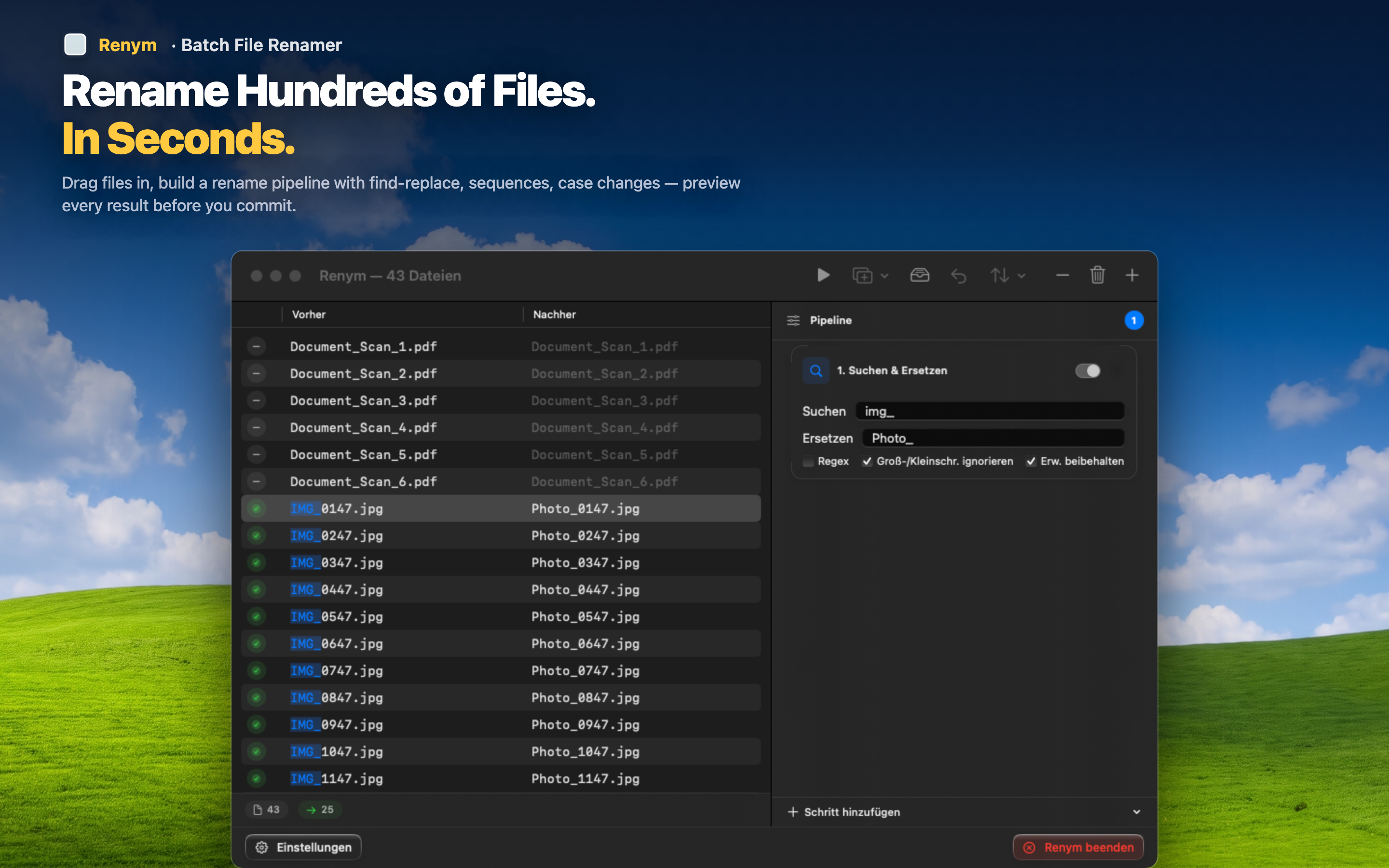
Lowercase everything, including the extension
Convert "Report.PDF" to "report.pdf" in one action. The case change applies to the full file name, so you do not end up with a lowercase name and an uppercase extension left over.
Combine with cleanup steps
Case inconsistency rarely shows up alone. Chain a lowercase conversion with a space-to-hyphen replacement or a character removal step, and fix everything in a single pass instead of running separate tools for each problem.
Preview before committing
See the lowercase result for every file in the batch before applying. If a file already happens to be correct, it simply shows no change — nothing gets touched unnecessarily.
Consistent casing is a small thing until it breaks a web upload or causes duplicate files on a case-sensitive system. Fixing it across a whole folder takes one pipeline step.