You have 600 files dumped from a scanner, an export, a data migration, or a client handoff. The names are garbage — random strings, duplicate prefixes, inconsistent formatting, wrong extensions. You need all 600 renamed into something organized, searchable, and consistent. Right now.
Renaming ten files by hand takes a minute. Renaming 600 takes the rest of your afternoon — and you will make mistakes. Typos, missed files, inconsistent formatting. The larger the batch, the more error-prone manual renaming becomes.
Why large batches break the usual approaches
Finder
Finder's batch rename handles simple operations on any number of files. But for 600 files, the lack of a full preview is a real problem. You see one sample file name in the dialog and hope the other 599 come out right. And if they do not, you might not notice until later — when undo is no longer available.
Terminal
A bash loop or a rename command can process 600 files in seconds. But there is no preview, no undo, and one mistake in the command means 600 broken file names. The risk scales with the batch size.
Spreadsheet renaming
Some people export file names to a spreadsheet, manipulate them with formulas, and then use a script to apply the new names. This works but takes an absurd amount of setup for something that should be a drag-and-drop operation.
Renaming at scale with confidence
Renym is built for exactly this scenario. Drag in hundreds of files, build a rename pipeline, preview every single result, and apply. If the result is wrong, undo and adjust.
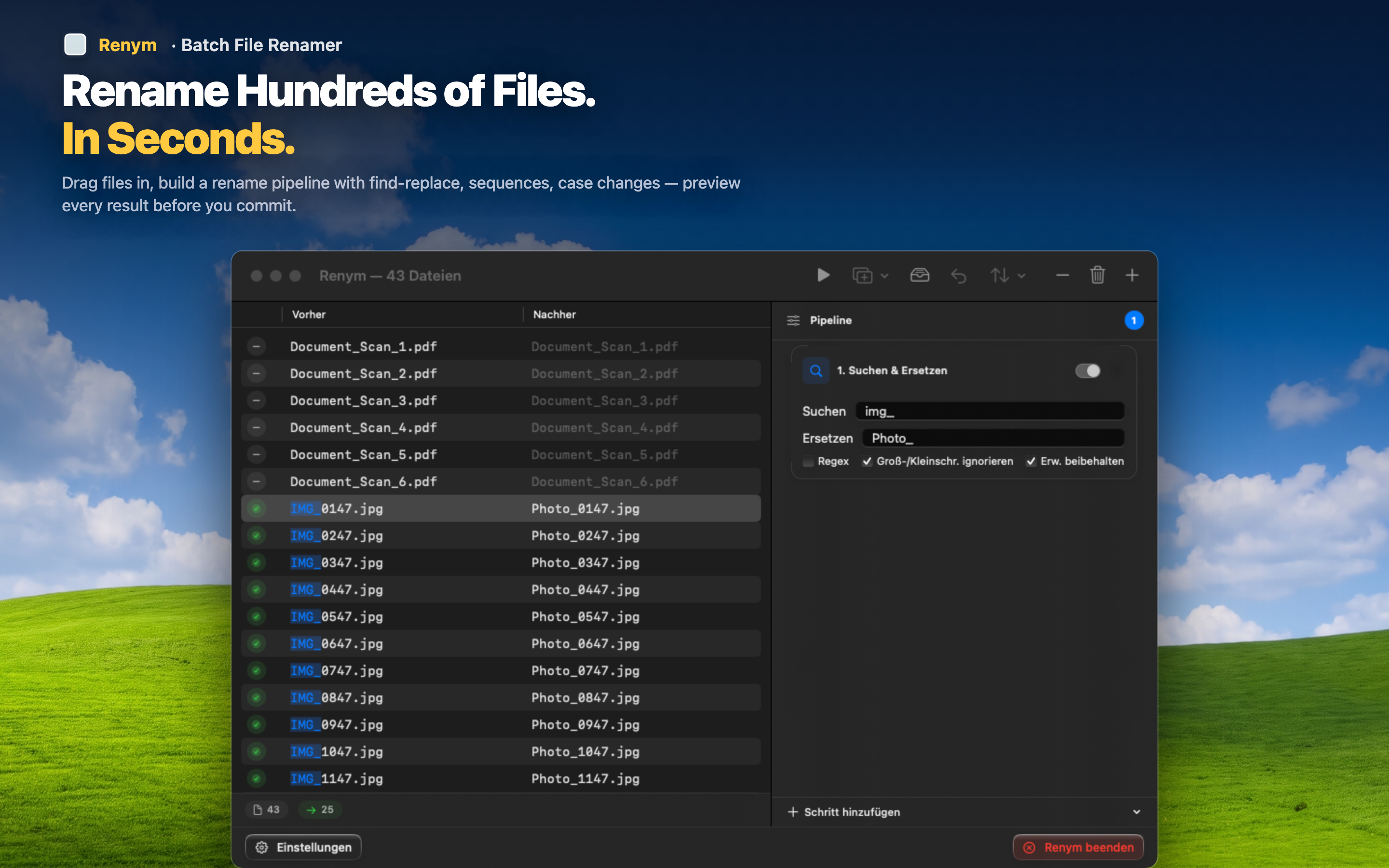
Full preview at any scale
Whether you have 20 files or 2,000, the preview shows every file's current and future name. Scroll through the list and verify before you commit. No guessing.
Multi-step pipelines for complex renames
Large batches often need multiple operations: strip a prefix, replace characters, add numbering, change case. Build the entire chain, preview the final result, and apply everything at once.
Undo the entire batch
Applied the rename and spotted an issue? Undo reverts every file in the batch. Fix the pipeline and try again. No manually reverting hundreds of names.
The larger the batch, the more a dedicated tool pays for itself. Spending five minutes in Renym saves hours of manual work and eliminates the risk of irreversible mistakes.